No Results Found on Steam Deck
A Windows desk mystery. Handheld play is unverified. Type, do not assume a verified Proton label.
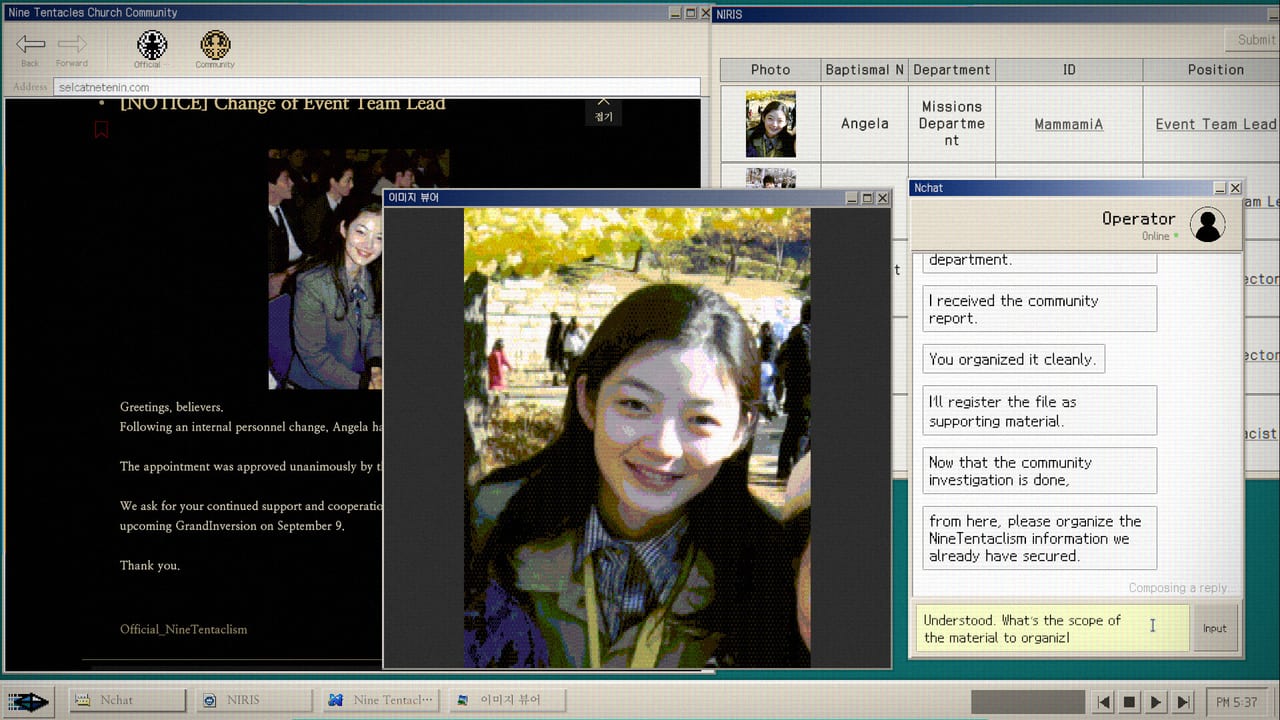
Steam’s store page for No Results Found lists Windows only. There is no Mac build. There is no Linux build. There is no official Steam Deck Verified, Playable, or Unsupported badge that this wiki can quote as a developer promise. At launch the store even showed Steam is learning about this game. Notebookcheck’s launch coverage said Deck compatibility was still unknown. Treat that as the honest state until Valve or Zzangdol Games publishes a different line.
This page exists because people search Steam Deck the same week they search System Requirements. The intended machine is a Windows 10 64-bit desktop with a mouse and a keyboard. The fiction is a NIRA researcher sitting in one room. A handheld with a 16:10 screen, trackpads, and a software keyboard is a different job. It might run. It might type poorly. This wiki will not pretend a Proton experiment is a patch note.
What the store actually lists
Platforms: Windows. Categories include single-player, Steam Achievements, and Family Sharing. Minimum spec is still the office-PC sheet on System Requirements: Windows 10 64-bit, Intel Core i3-6100, 8 GB RAM, Intel UHD Graphics 620, DirectX 11, 2 GB disk. That integrated-graphics floor is why people assume Deck will be fine. Reading a simulated forum is light. Typing exact proper nouns on a Deck keyboard is the real cost.
Patch 1.0.1 fixed screens that would not display correctly off 16:9. Deck’s native panel is 16:10. If you try the handheld, use 16:9 inside the game or desktop mode after that patch, then confirm the search field still accepts clicks. The dedicated Controls page covers the input-field logic from the same note. Do not mail the developer a Deck 16:10 screenshot and call it a missing GPU.
Why this game fights a handheld
Important clues are not highlighted. Progress is comments, usernames, photo text, and near-miss spellings. That loop wants a real keyboard and a memo you can glance at. Steam already has threads about Makor’s username, Orca’s position, a members-only username and password, and wiki fill-ins. Those are string puzzles. A Steam Deck on-screen keyboard turns every Marco-versus-Makor trap into extra friction.
Chats can auto-advance. English launch reviews lost last lines. A handheld in a noisy room makes that worse. Screenshot with the Steam overlay if a conversation starts rolling. Notes that will not save are a live complaint on Known Issues, not a Deck-only bug. If the memo clears after a restart on Windows too, mail [email protected] with your build number. Patch 1.1 named chat, browser, and UI fixes. It did not name Deck.
DODGE is a mouse minigame with Maniac over 1,000 and Master over 2,000. Trackpads can do it. They are not the intended stick. Finish Accuse or Connive on the Endings page before you farm How to Beat DODGE on a handheld.
What to try if you insist
Update to patch 1.1 so you have 1.0.1’s display fix and 1.0.2’s Japanese and report-answer changes. Sit in Desktop Mode if Gaming Mode swallows the search field. Plug a USB or Bluetooth keyboard if you have one. Keep the Search Notebook on a phone. Play in the language you type fastest. Steam ships English, Korean, and Japanese. This wiki matches those three.
Do not scrape the real internet for cult URLs. The index lives in the simulated browser. Do not install a random Linux compatibility layer and then mail the developer a Proton log as if it were a Windows crash. The Bug Reports page is for the shipped Windows build.
If a community Proton report appears later, read it as a player experiment, not as Jungle Game Lab support. Family Sharing is listed; that is a Steam account feature, not a couch session. There is still one investigator at one desk.
How this page connects
New players still start at How to Play. Specs still live on System Requirements. Ultrawide and search-field fights live on Controls. Unsaved notes and language requests live on Known Issues. The 100 Percent Checklist does not care whether your screen is a monitor or a Deck; it cares about two filings and two DODGE scores.
Until Steam stamps Verified, assume you are bringing a typewriter mystery onto a gamepad slab. That can be charming. It is not the product the store sold. The product is a Windows download that runs on an i3-6100 and asks you to notice what is not highlighted.
Frequently Asked Questions
Quick answers for investigators who just hit a dead search.
Is No Results Found Steam Deck Verified?
No badge this wiki can quote. The store lists Windows only and was still learning about the game at launch. Treat Deck as unverified.
Will it run on Proton or Linux?
There is no official Linux or Mac build. A community Proton test is not a patch note. The supported download is Windows.
What should I change if I try Deck anyway?
Update to patch 1.1, prefer 16:9 after the 1.0.1 display fix, use a real keyboard if you can, and screenshot auto-advancing chats.