No Results Found System Requirements
A light Windows spec sheet for a heavy reading session.
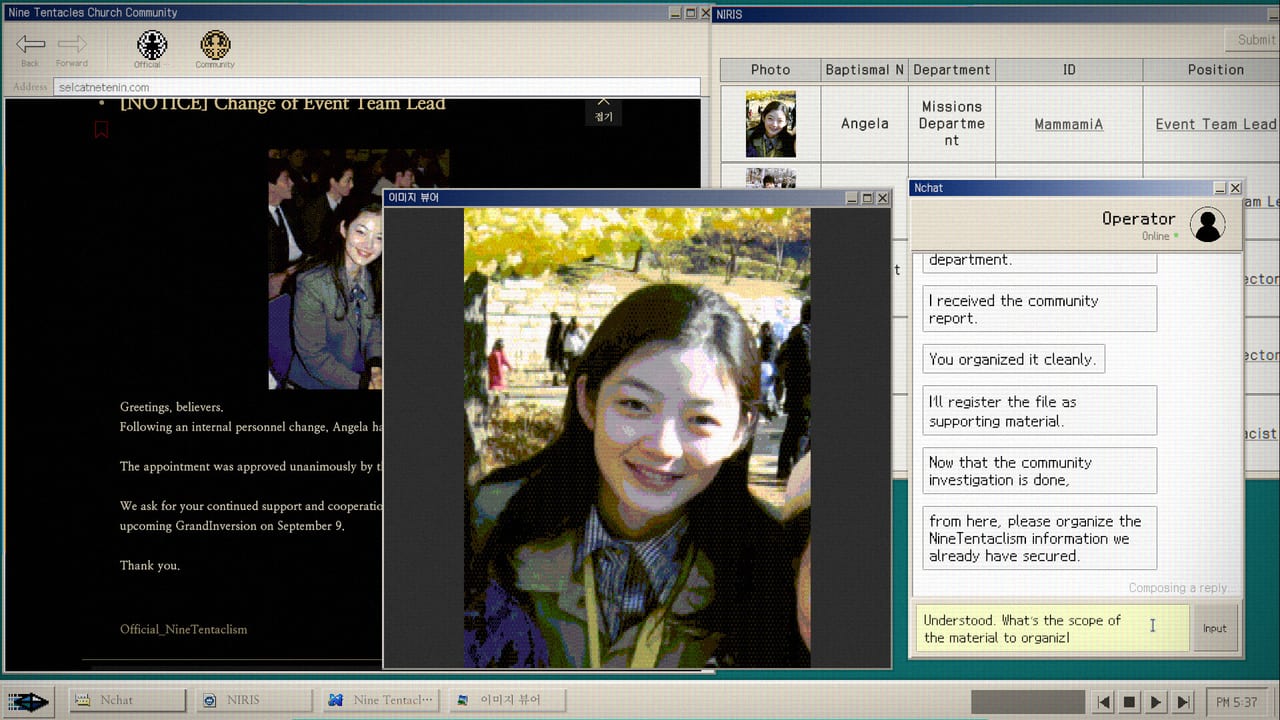
No Results Found is a free Windows download on Steam. There is no Mac or Linux listing on the store page. There is no controller promise. You click windows and type queries. This page copies the official minimum spec and then tells you what actually matters: text size, auto-advancing chats, and a minigame that wants a stable mouse.
Official minimum (Steam)
OS: Windows 10 64-bit. Processor: Intel Core i3-6100. Memory: 8 GB RAM. Graphics: Intel UHD Graphics 620. DirectX: Version 11. Storage: 2 GB available space. Sound: default audio device.
That is a 2015-era office PC. If you can run a browser, you can run the reading layers. The 2 GB disk number matches a small indie desktop sim, not a 100 GB shooter. DirectX 11 is the floor. UHD 620 means integrated graphics are intended.
Controls
Mouse to focus windows, click posts, drag if the UI allows, and operate DODGE. Keyboard to type search strings, including punctuation and exact spellings. You will type a lot. A working IME matters if you play in Korean or Japanese. English players still need to copy odd proper nouns exactly.
There is no Steam Input page worth treating as a feature. Sit at a desk. The dedicated Controls page covers 16:9, the search field, and what Patch 1.0.1 changed. How to Play is the verb list. How to Beat DODGE is the only place frame time matters more than literacy.
What the spec sheet does not say
You will read small forum text for two hours. Bump Windows scaling if the UI is painful, then confirm the in-game search field still accepts clicks. Chats can auto-advance; a laggy machine makes that worse because you cannot react. The final report can skip; same warning. Music is an achievement, so mute-by-default is a bad plan until Government-Approved Medicine pops. See the Achievement Tracker.
Single-player only. There is no shared session and no second-screen couch mode. Family Sharing is listed. Achievements are listed. The game discloses generative AI for some 3D models and image assets, reviewed by the team.
Languages and platforms
Steam lists Korean, English, and Japanese for interface and subtitles, no full voice acting on the language table. Play the language you read fastest. The investigation loop is the same. This wiki mirrors those three languages. Legal pages stay in English.
Store URL, trailer, and support mail are on Official Links. Launch date and the free price are on Launch Notes. If a patch raises the spec, that notes page is the place it will change. 1.0.1 did not raise the spec. It fixed non-16:9 screens, input-field logic, and typos. Until a later note says otherwise, trust the i3-6100 line.
Should you wait for a better PC?
No. Wait for patience, not for an RTX card. If DODGE stutters on integrated graphics, finish Accuse or Connive first and come back. The story does not need 2,000 points. The story needs you to see comments. The Search Notebook is more important than your GPU.
If Steam Deck is your plan, the store was still “learning about this game” at launch and reviews were not a Deck chorus. Treat Deck as unverified here until Valve or the developer says otherwise. The intended machine is a Windows desktop, which is also the fiction.
For case context while you sit at that desktop, keep NIRA and the Church files nearby. For the report split, keep Endings.
Frequently Asked Questions
Quick answers for investigators who just hit a dead search.
Can I play on Mac or Linux?
Steam lists Windows only. There is no official Mac or Linux build on the store page.
Does it support a controller?
The game is a typing-and-clicking desktop. Use a mouse and keyboard. DODGE especially wants a mouse.
How much disk space do I need?
Steam's minimum is 2 GB. RAM minimum is 8 GB. An i3-6100-class CPU is enough for the reading layers.